Holiday Tinker Time
The holidays are a great time to tinker. No expectations, positive spirits looking ahead to next year, and the comfort of home cooked meals.
I saw on the internet that some people were spending this time connecting IoT devices in their home to Claude Code. As someone who made all of the lights and devices (screens, fans, etc.) in their bedroom automated immediately upon getting their own bedroom for the first time after graduating college, my brain clearly lit up. I love that shit. So I did it.
In my current home there's not too many more things that are connected to the internet than I had before. Before, I was using smart plugs and just internet-connected lights, etc., to connect to controllers like Amazon's Alexa or Apple's Home. And now... I'm still using those things. The issue is that in this setup my computer is the only interface/input device - I'm not going to open my laptop to put Netflix on in the living room. Although, I can and I did.
Rightfully, my girlfriend asked: 'why?' Well, I did learn a few things, figured out what I'll need to do next, and despite the Netflix use case, there are some things I will use.
This is the only heading of this post and it's purpose is to tell you I'm just going to stream-of-consciousness explain all that happened
so now every internet connected device in my home is connected to and can be controlled from my mac. netflix? on the tv. play music through the living room echo? done. set all lights to warm setting? home lights color warm. how does all of this work? Let's start with the terminal. The terminal is the application on your computer that lets you give commands to your computer. I think of it like giving a computer commands in its native language, although it very much is not its native language because you are writing commands in English. There is a program that lives inside the terminal, which is what you write commands in, called bash, that will execute these commands within the terminal and control things on your computer. It looks like a computer's native language because it looks computer-esque from the movies but that's really just the interface, or CLI (command line interface). Now, none of that truly matters! but that's what it is. So anyway the CLI is where I type in commands to connect to my TV or lights. In those commands, there are arguments, or additional inputs so that the CLI knows which thing to control and what to do - lights on/off, etc. So thats how it works on my computer. But how does my computer connect to all those other things? There are a couple of methods that are used to connect to the other devices. The first and likely the easiest was via an API. An API is just a way for two applications to communicate to each other - so the application i created on my computer for controlling devices can communicate with the Amazon Echo device via an API connection. To put it all together: computer execute these commands that I type -> send information to Amazon's Alexa API where I tell it to play music on my Echo -> the Echo in my bedroom then plays music. It wasn't as easy to do this with the TV because the TV didn't have a public API. Instead, it uses something called ADB (Android Debug Bridge) - a tool that lets you send commands directly to Android devices over your local network. Claude Code had to scan my network, find all the devices, look at their IP addresses, and figure out which one was my TV, and then map the home automation application I was creating to the endpoints on the ADB tool. this is one of those things where "local" vs "cloud" matters. When something is on your local network (LAN), you can just talk to it directly without authentication. But the Echo? Even though it's connected to my WiFi, it's someone else's server (Amazon's). I had to authenticate with Amazon's Alexa API, which Claude Code did by grabbing cookies from my authenticated browser session - neat way of doing it that I've never thought of before. Since I was already logged into amazon.com, it could just reuse the verified credentials on that session to send requests as if I was logged in on the web sending these requests - except it's through this automation application, pretty cool. Another word I learned here was "headless." I've heard it before, and just dissecting the word itself you can kind of infer it means something is missing. and what's missing is the graphical interface. The UIs you and I are familiar with on the web, with visuals and buttons and whatnot. Headless means it runs without that: in the background, through a CLI (just text), or through an API. That's this application is: headless. A note on this API-centric approach vs MCPs. Maybe you're reading this and think, "Oh just use an MCP." Well first of all they're kinda new and don't work that great. Secondly, and more importantly, the MCP server, which has all the directions for the LLM to talk with APIs, just pollutes the context and distracts the LLM. It's often better for the LLM to generate code at runtime that makes repeatable, deterministic API calls - the exact type of actions our application here it making - more specific and concise than reading a bunch of MCP stuff and then using the LLM's probabilistic reasoning to figure out how to interact. Doing it through my CLI with deterministic, repeatable scripts is better because there's less waste.
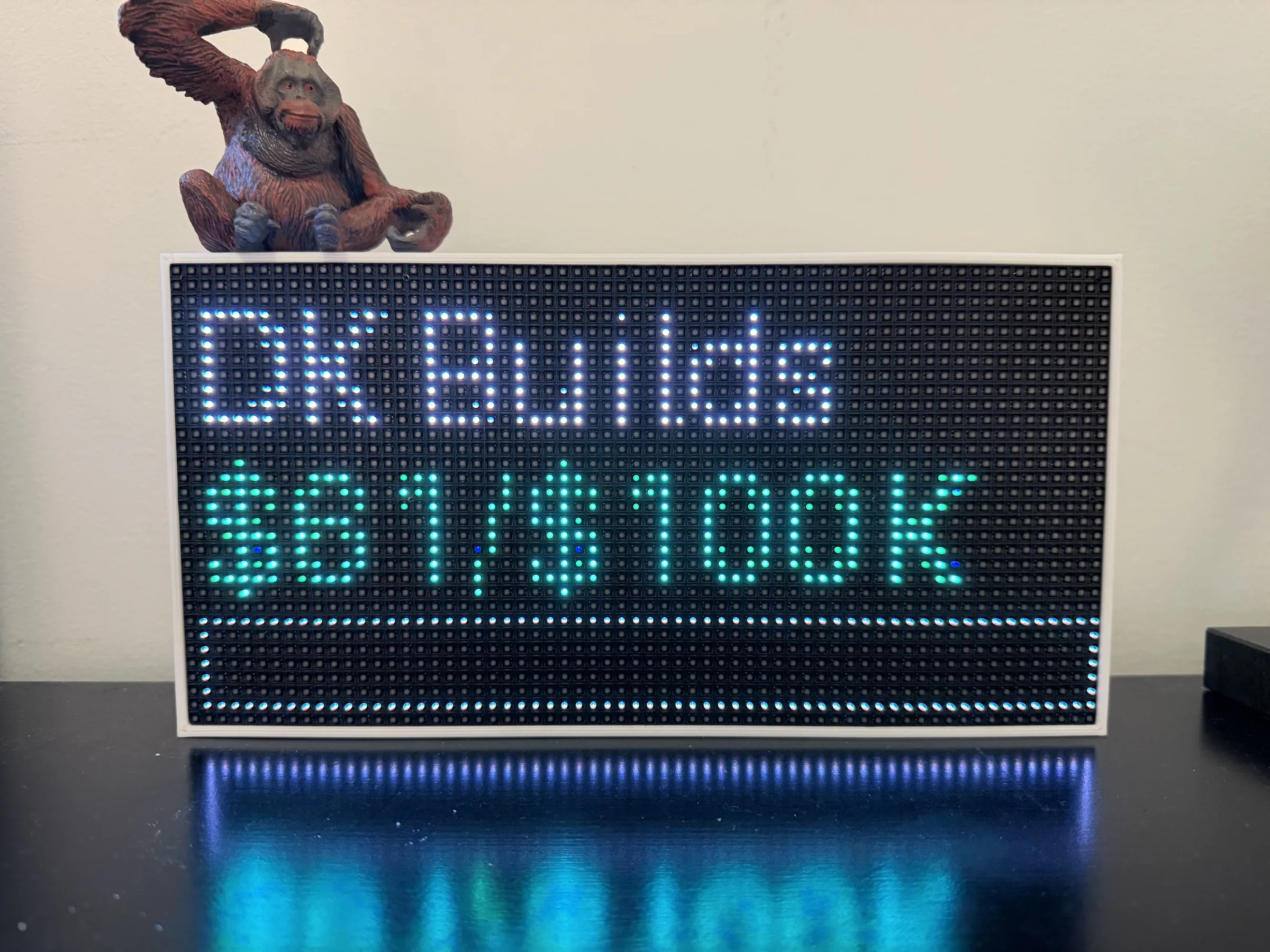
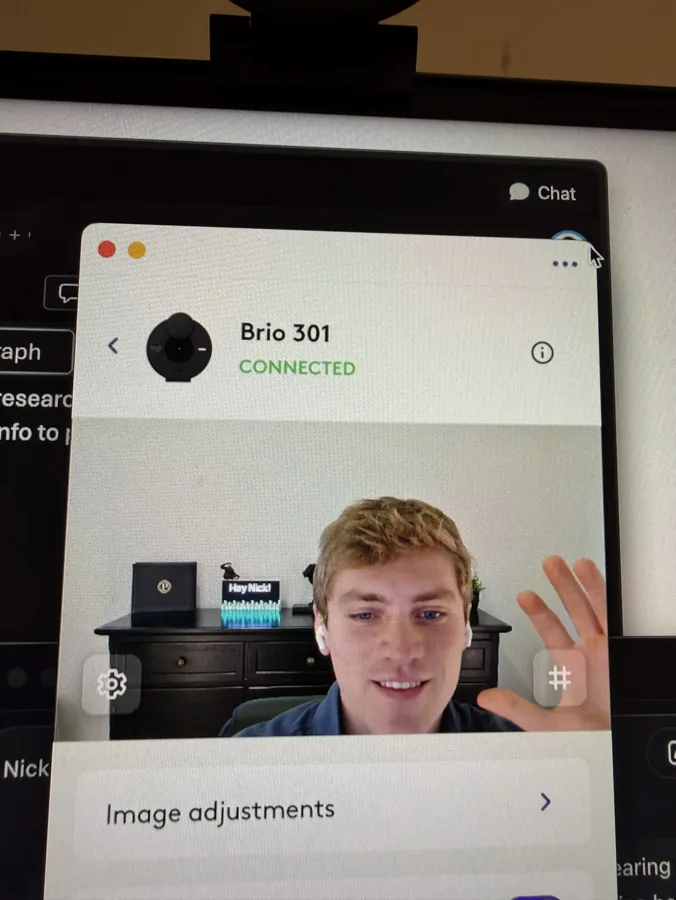
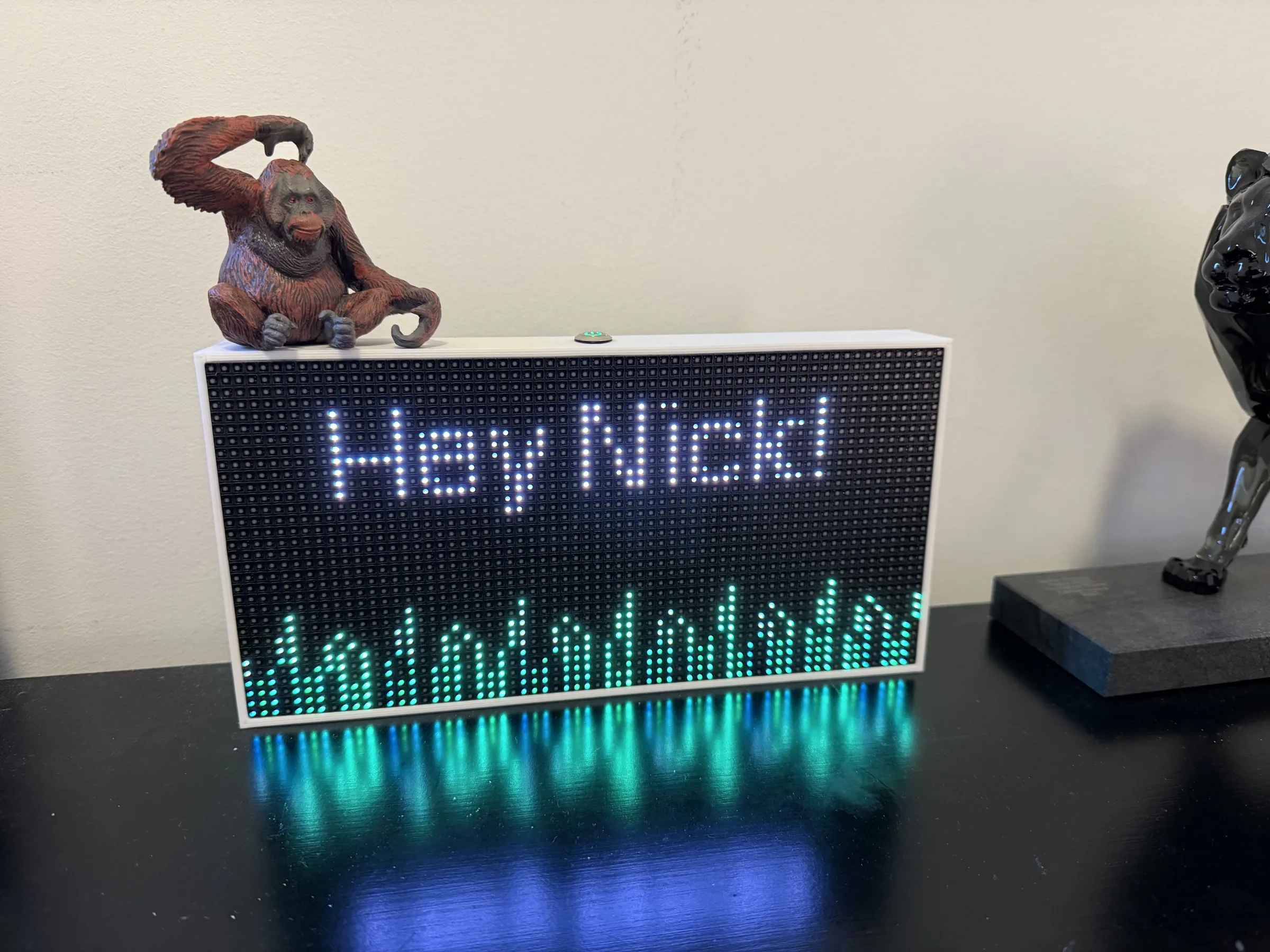
and then it got even better. i wanted a custom LED sign i could control through the CLI because that'd be fun to connect to whatever API or data source i want. but then i saw the LED display i needed was sold out. good thing i had a dormant Glance LED sitting around. but i couldn't unscrew the housing to connect my own raspberry pi controller, so then i tried connecting locally but it doesn't expose an HTTP endpoint since everything is sent through their cloud server. so then claude was like "lets just sniff out the connection and reverse engineer the format so we can send messages to their cloud." and im like oh bet, we're like that. but then we tried that and unfortunately the POST endpoint rejects our updates. so then claude's a lil hacker still and wanted to be helpful, so we decided to hijack the device firmware OTA since it fetches updates from github. we planned on spoofing it like a ghost on halloween to trick it into thinking a new version released (spoiler: it's us). claude did a bunch of black magic to figure out pin mapping on the already configured ESP32 aligned with the new firmware i wanted to install that chatgpt told me about a week ago. and then it was time to collaborate on this hijack. BUT there was one final blow to the plan -xfinity doesn't allow DNS overrides. so we had to create a custom DNS server on my mac just for the glance device to use, plus a bunch of debugging so the glance would actually connect to our server and download the "new release" info. so then we got the device connected to our server. BUT in a second blow, it couldn't verify the update because it didn't look like glance's signatures. so then claude updated our firmware to mock the format glance expects so it would accept it and then….. it still didn't work. there's still additional firmware verification that claude couldn't figure out. but it was fun to try. this is basically how some of the most common forms of real hacking works - you fake an update, redirect the device to your server, and hope it accepts your payload. we hit the wall that good security is designed to create. so instead we just broke the housing and flashed the USB directly. what a cool feeling when the agent started flashing some test colors. so now that we are finally into the mainframe with some good ole fashioned manpower… what do now? well now ideas are endless. one display shows live progress towards my personal revenue goal. another display fetches the next meeting details from my calendar, so whenever im on a video call it'll take the attendee's name and change the LED text to a personalized message for them in the background as a sort of easter egg. because that makes calls more fun and thats what its all about: fun
so it's been a week+ with the hacked LED displayed, what am I using it for consistently?
keeping the business goal in mind
tracking my morning commute
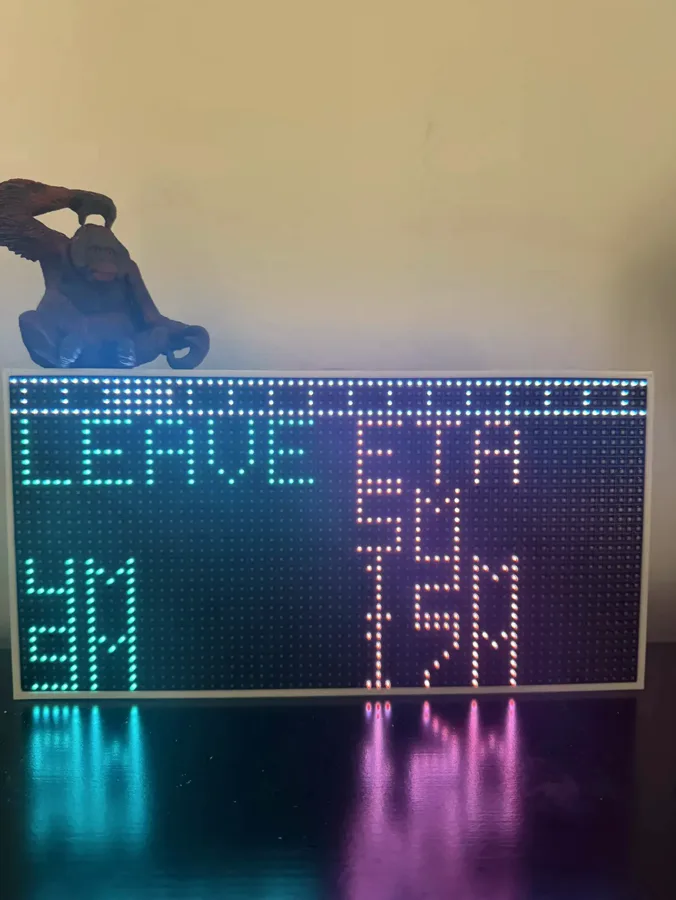 this is something additional i added afterwards so i know when to leave for the train. I told Claude to go look into my other project folders for the ChiTrack iOS mobile app where I had already created endpoints for interacting with the CTA API and then fetch the information between 7:30 and 8:30 a.m. every morning (which is when I need to leave to start working by 9). Shout out to Nick, my people manager at work, that suggested adding the time to leave in addition to the arrival time.
greeting people on calls
another thing i did was create an image search tool, which taught me how image embeddings work. after the Epstein files got released, my friend sent me a screenshot where searching 'trump' returned no results. people were saying the DOJ's search was broken.

saying "search not working" is partially correct—the search is working, but it returns no results because most of the released files are images. if you search with text for an image, historically that just doesn't work. how are you supposed to return an image when you're typing in text? well, there's a way. it's through embeddings. here's how it works: you take a bunch of images and run them through an embedding model—i used OpenAI's open source OpenCLIP—that's been trained to understand the meaning of images. it runs all these matrices and calculations that place each image on a giant map. where each image lands on that map represents what the image is "about." the key insight that made this click for me: the text also gets embedded onto the same map. CLIP has two encoders - one for images, one for text - trained together so similar concepts end up close to each other in the same space (vector space similarity). when you type "trump" and hit enter, that text gets converted to a point on the map, and the app finds which images are closest to that point. if they're close, they're similar, and you return those images. practically, embedding thousands of images at runtime would be way too slow and hit timeout limits on my free vercel plan, so i pre-computed all the image embeddings locally and then deployed them as static files to vercel alongside the app. whereas the text embedding can happens at runtime because that's just one string, so it's fast. expensive stuff once at build time, cheap stuff on each search.
you can try it here
so going back to the home automation work - what's next? i want physical input devices throughout my house so i don't have to open my laptop to control things. and i don't want to use Amazon Alexa because it's vendor lock-in: their products, their configs, their rules, and they're listening to everything. i want to write my own rules.
so i'll probably build my own devices - Raspberry Pis with microphones and LED indicators, basically my own home automation dots (or find a cheap pre-built open-source version of this). the bigger goal is to keep building towards my own personal Jarvis. i have a few workflows together already on my computer, but it's about consolidating them into one system with the right tools and context, access to my physical environment and then running nonstop on a server somewhere. i'm sure i'll write a post when i do that, too.